Table of Contents
I've got a weirdly specific problem: I take a lot of photos of my dog on hikes, and none of them look as good straight out of the camera as they do in my head. So over the past two years I've cycled through more photo editing apps than I'd like to admit — some free, some subscription traps I forgot to cancel. I finally settled on three that stay on my phone permanently. Here they are, warts and all.
Snapseed — Still the Free App to Beat
I know, I know, everyone recommends Snapseed. But there's a reason it keeps coming up: Google bought it years ago, hasn't monetized it into oblivion, and it's still completely free with zero ads. No paywall, no "premium filter pack" nonsense.
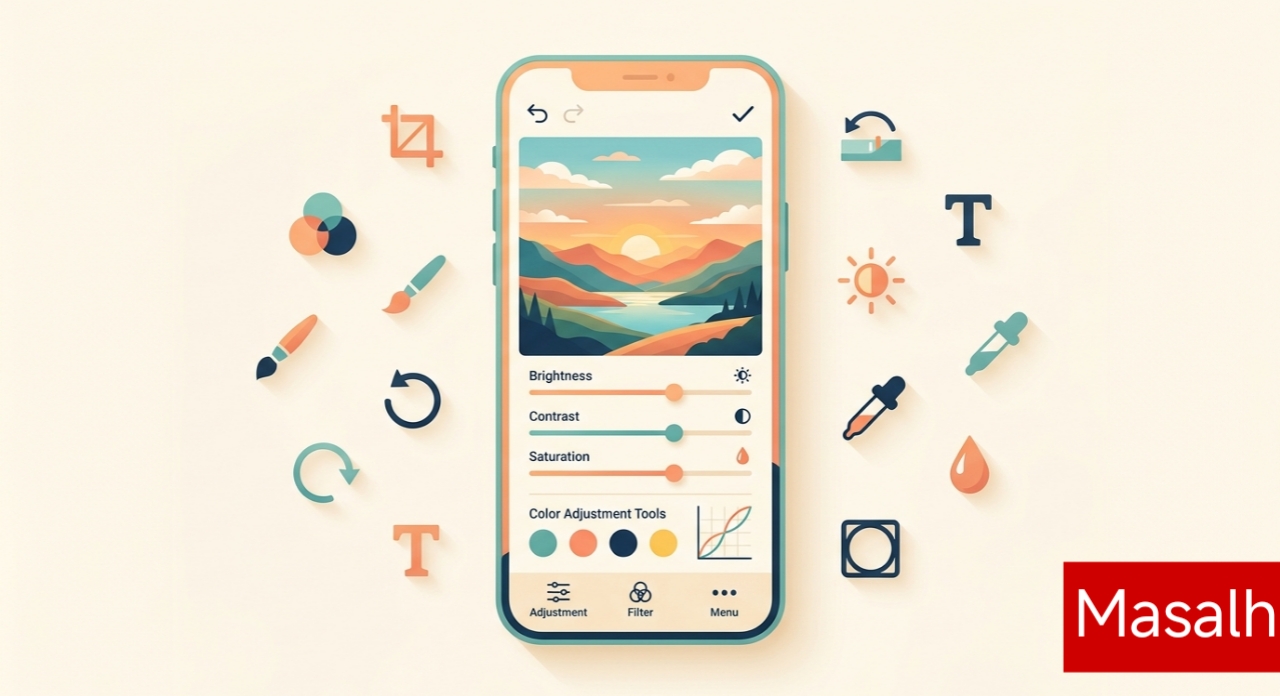
What actually keeps me using it is the Selective adjustment tool. You tap a spot on the photo — say, the sky in a sunset shot — and drag up or down to change just that area's brightness, contrast, or saturation. I use it constantly to darken skies without murking up the whole shot. The Healing tool is also solid for cleaning up trash cans or stray tourists in the background of travel photos.
The downside? The interface is a little dated-looking, and some of the gesture controls (swipe left-right to pick a tool, up-down to adjust it) take a few tries to get used to. My mom still can't figure it out.
Lightroom Mobile — When I Actually Care About the Shot
For anything I plan to post or print, I switch to Adobe Lightroom. The free version gives you real RAW editing and curve adjustments, which is more than most "pro" apps offer for nothing. I pay for Lightroom on desktop already for work, so the mobile app syncing my presets across devices is honestly the main reason I stick with it.
The preset system is where this app earns its keep. I built a preset called "Trail Warm" for hiking photos — slightly lifted shadows, warmer white balance, a touch more clarity — and now I just tap it and adjust to taste instead of starting from zero every time. That's saved me probably an hour a week, which sounds small until you add it up over a year.
My complaint: without a subscription, cloud storage caps out fast, and the app nags you about Premium more than I'd like. If you're not already in the Adobe ecosystem, it might feel like overkill.
PicsArt — For When I Want to Get Weird With It
This one's different from the other two. PicsArt isn't really about subtle color grading — it's for collage work, adding text, stickers, or doing quick background removal when I want to slap my dog onto a random beach photo for a laugh. The background remover is genuinely fast, faster than I expected from a free-tier tool, and it handles fur edges better than most apps in this price range.
It's also the one I hand to friends who aren't into editing but want to make something fun for Instagram. The template library does a lot of the layout thinking for you.
That said, the free version is ad-heavy and keeps pushing you toward PicsArt Gold. I ignore about 80% of what it suggests and just use it for the two or three tools I actually need.
So Which One Should You Actually Download?
If I had to keep just one, it'd be Snapseed — free, capable, no strings attached. But realistically, I use all three depending on the job: Snapseed for quick fixes on the go, Lightroom when the photo actually matters, and PicsArt when I'm not taking myself too seriously. None of them are perfect, and honestly, the "best" app is usually just whichever one you'll actually open instead of leaving your photos untouched in your camera roll — which, let's be real, is most of us most of the time.