Table of Contents
A few months ago, I got tired of clicking through pop-ups, waiting for pages full of autoplay video ads to load, and wondering how many trackers were quietly following me around the internet. That frustration is what pushed me to try the Brave browser, and honestly, it did not take long before it became the only browser I open on my laptop and phone. What started as a quick experiment turned into a permanent switch, and I think anyone who is tired of a cluttered, slow web experience should give it a serious look.
Ad Blocking That Actually Works Out of the Box
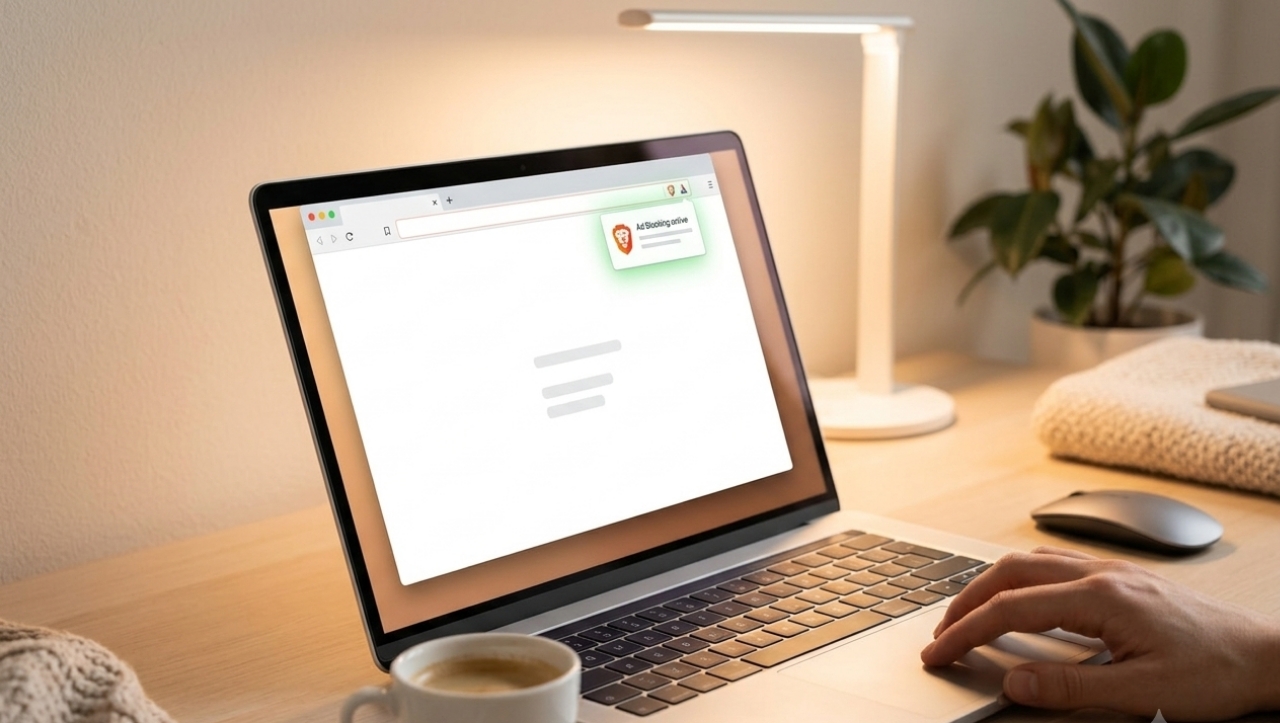
The biggest reason Brave stuck with me is how effortlessly it handles ads. Unlike Chrome or Firefox, where you need to install a separate extension like uBlock Origin just to get a usable browsing experience, Brave has ad and tracker blocking built directly into the browser. There is no setup, no configuration, and no extra download required. From the very first page you visit, Brave is already filtering out banner ads, video pre-rolls, and the kind of intrusive pop-ups that used to make certain news sites almost unusable.
What I appreciate most is that this blocking is not selective or half-hearted. It catches the heavy, offensive ads that other browsers let slip through, including auto-playing video ads and the sticky sidebar banners that follow you as you scroll. Pages that used to take several seconds to fully load now feel almost instant, since the browser is not wasting bandwidth pulling in ad scripts and tracking pixels in the background.
Privacy Without Extra Effort
Brave is built on Chromium, so it feels immediately familiar if you are coming from Chrome or Edge, but the privacy defaults are night and day different. By default, Brave blocks third-party trackers, fingerprinting scripts, and cross-site cookies that many advertisers use to build a profile of your browsing habits. I no longer feel like I need a separate VPN or privacy extension just to browse comfortably, since a lot of that protection is already baked in.
There is also a small shield icon in the address bar that shows exactly how many ads and trackers were blocked on any given page. It is a small detail, but seeing that number climb into the thousands over a week of normal browsing was eye-opening. It made me realize just how much invisible tracking happens on a typical unprotected browser.
Speed and Battery Life Improvements
Because Brave is not loading dozens of ad scripts and tracking scripts on every page, browsing genuinely feels faster. This is especially noticeable on media-heavy sites like news outlets or shopping platforms, where ad-laden pages used to lag or stutter while scrolling. On my laptop, I have also noticed better battery life during long browsing sessions, since the processor is not constantly working to render ads and run background trackers.
For anyone on a phone with a limited data plan, this matters even more. Fewer ads loading means less data used, which can add up over time, especially while streaming or reading articles on the go. A few practical things that have made the experience even better for me include:
- Enabling the optional Brave Rewards feature to earn tokens for viewing privacy-respecting ads, if you choose to opt in
- Using Brave Search as the default search engine to reduce dependence on Google's tracking-heavy ecosystem
- Turning on the built-in Tor windows for extra-sensitive browsing sessions
- Syncing bookmarks and passwords across devices without needing a Google account
Where Brave Still Has Room to Grow
No browser is without its trade-offs, and Brave is no exception. Occasionally, a site with aggressive anti-adblock detection will show a warning asking you to disable Brave's shields, and a small number of niche extensions available for Chrome are not always compatible. I have also noticed that some websites rely on ad revenue to function, so using Brave everywhere does raise a fair question about supporting the sites you actually value. My personal approach is to whitelist a handful of smaller sites I want to support directly, while keeping the shields up everywhere else.
Final Thoughts
Switching to Brave has genuinely changed how I experience the web on a daily basis. The combination of effortless ad blocking, strong privacy defaults, and a noticeably faster browsing experience is hard to overstate once you get used to it. If you are someone who is tired of intrusive ads, curious about reducing how much of your data gets tracked, or simply want pages to load faster without extra setup, Brave is worth trying. For me, it has moved from an experiment to an indispensable part of how I use the internet every day.
Related Articles
The 3 Best Gaming Phones in 2026