Table of Contents
I edit way more video on my phone than I ever expected to. A few years ago I'd have laughed if you told me I'd be cutting a 4-minute YouTube video entirely on a Galaxy S23, but here we are. Over the past two years I've cycled through probably a dozen Android editing apps, deleted most of them within a week, and landed on three that actually stuck around. Not because they're the "best" on paper, but because they're the ones I open without thinking twice.
CapCut — the one I use for almost everything
I'll be honest, CapCut is what's on my home screen 90% of the time. It's free, it's fast, and the auto-captions feature alone has saved me hours. I shoot a lot of short clips for a side project — nothing fancy, just talking-head stuff and b-roll from my Pixel 8 — and CapCut's speech-to-text nails accuracy maybe 9 times out of 10. I still proofread it, but that's way better than typing captions manually at 11pm.
The keyframe animation tools are more capable than you'd expect from a free app, and the templates are genuinely useful for quick turnarounds, not just gimmicky transitions. My one gripe: the export can get glitchy on longer projects, over 10 minutes or so, and I've had it crash twice mid-render on my older phone. Newer hardware handles it fine.
InShot — my go-to when I need something simple and fast
InShot doesn't try to do everything, and honestly that's why I like it. When I just need to trim a clip, add a quick text overlay, and slap on some music for Instagram, InShot gets it done in under two minutes. The interface hasn't changed much in the years I've used it, which sounds boring but is actually a relief — I don't have to relearn the layout every update.
Where it falls short is anything remotely complex. Multi-layer edits feel clunky, and the free version watermarks your video plus limits some export resolutions, which pushed me toward the $3.99/month subscription after about a month of using it regularly. If you're doing quick social content and don't want to fuss with a timeline full of tracks, though, it's hard to beat.
PowerDirector — when I actually need "real" editing tools
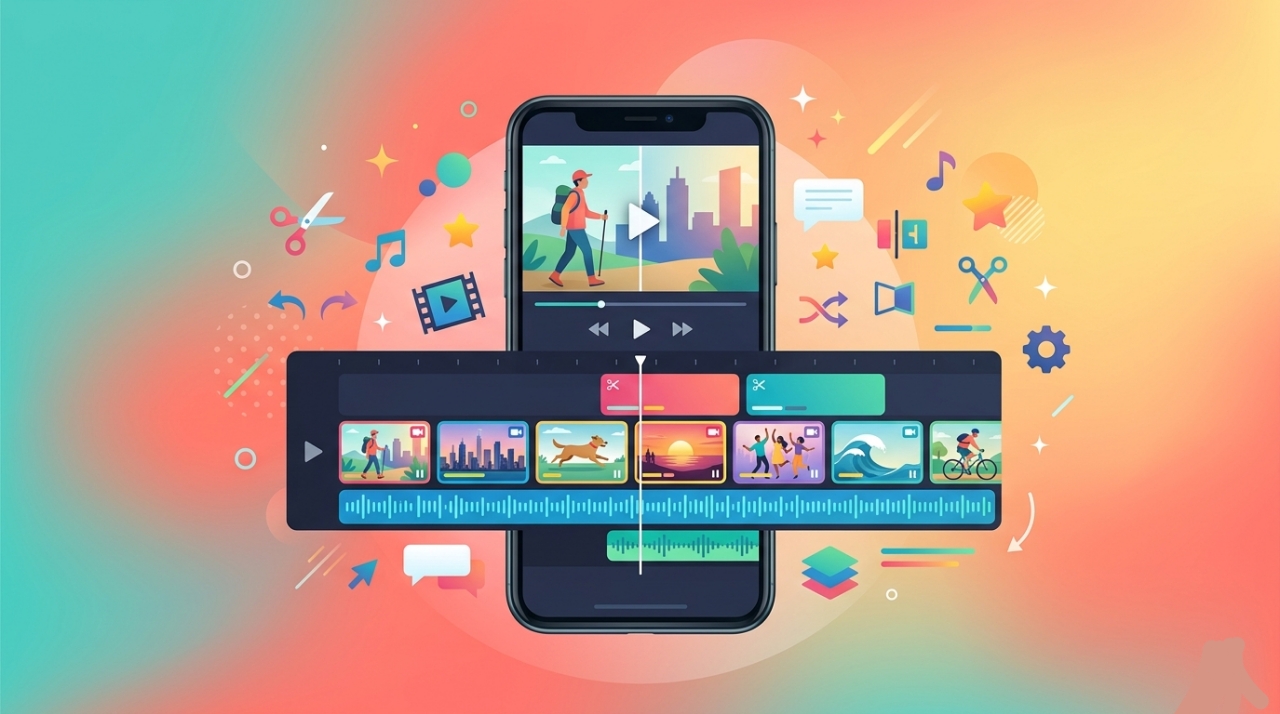
This is the one I reach for when a project needs more than trimming and text. PowerDirector gives you a proper multi-track timeline, chroma key, motion tracking, and color grading tools that feel closer to desktop software than most mobile apps. I used it to cut together a 15-minute event recap last spring, mixing footage from three different cameras, and it handled the sync and layering better than I expected from a phone app.
It's not as intuitive out of the gate. There's a learning curve, and some of the premium features are locked behind a subscription that runs about $53.99 a year if you go annual. For casual editing it's probably overkill, but if you're doing anything with multiple audio tracks or need real color correction, it's the only one of the three that doesn't feel limiting.
So which one should you actually download?
If I had to recommend just one, I'd say start with CapCut. It's free, it covers most everyday needs, and the caption feature alone justifies the download. Add InShot if you want something lighter for quick social posts, and only grab PowerDirector once you hit a project that genuinely needs more control — you'll know when that happens because CapCut or InShot will start feeling limiting.
None of these are perfect. I still occasionally miss having a real desktop timeline in front of me. But for editing on the bus, between meetings, or when I just don't want to boot up a laptop, these three cover pretty much everything I throw at them.